Upgrading and billing
Upgrade to Essentials or Pro, pay yearly or monthly, use Manage billing to change your card, plan or billing period or to cancel, and what to do when a payment does not go through.
Only the owner can upgrade and look after billing. The payment page is run by Stripe, a payment company. A9 Stockroom never sees your card number.
What you'll need#
- To be the owner of the company.
- A card, for the payment page.
- A connection. Billing needs one, and it will not open while you are offline.
Steps: upgrade#
You can start from Settings, then Plan, or from the box the app opens when you hit a limit or open a Pro feature. See Your plan.
Open Settings, then Plan, and tap Upgrade. If you reached a limit, tap Upgrade in the box that opened. If you opened a Pro screen, tap Upgrade to Pro.
At the top of Choose your plan, pick Yearly or Monthly. Yearly is the default and costs less per month.
Tap Essentials or Pro. The card you tap is outlined. The prices and what each one includes are in the table below.
Read the line under the cards. It says what you will pay, that the plan renews automatically, that you can cancel any time from Manage billing, and that it ends at the end of the period you paid for.
Tap Continue to checkout. Stripe's payment page opens. Enter your card and pay.
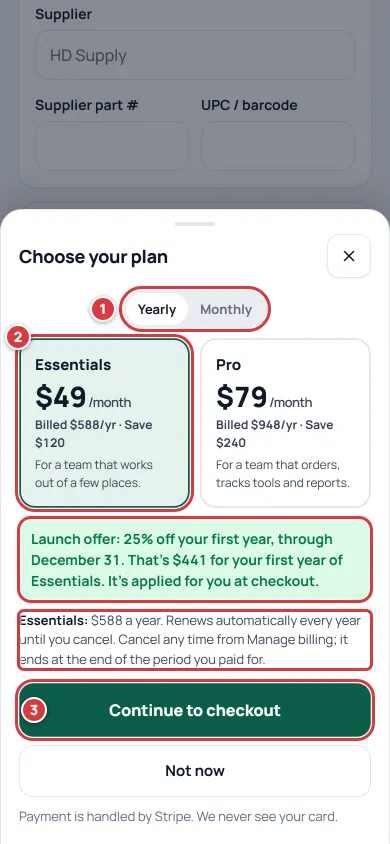
The plan picker with Yearly on. The outlined lines are the launch offer and the renewal terms. When you pay, you come back to Settings, then Plan. Wait a few seconds. The page says "You're on Essentials now. Thank you!" (or Pro) and shows the date it renews.
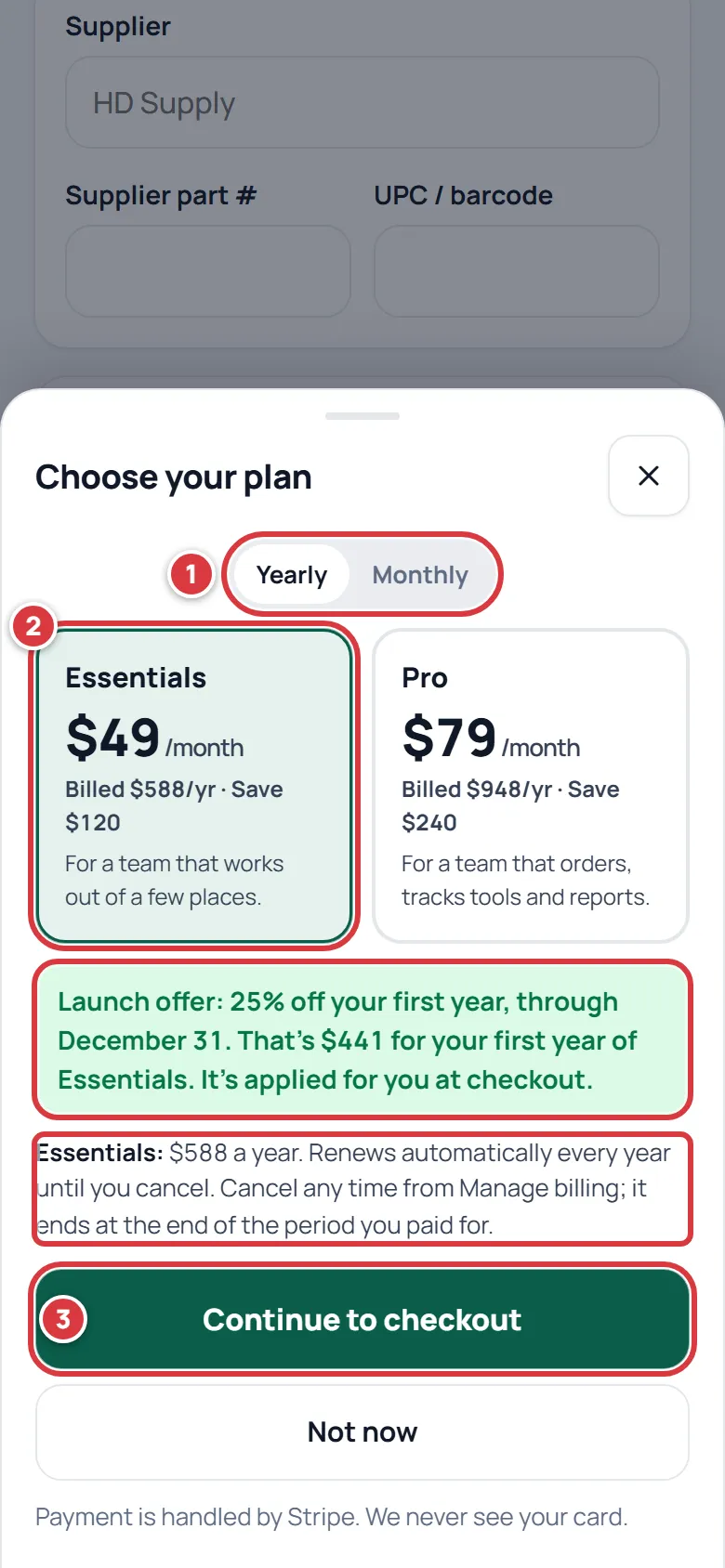
The prices:
| Plan | Billed yearly | Billed monthly |
|---|---|---|
| Essentials | $49 a month, billed $588 a year | $59 a month |
| Pro | $79 a month, billed $948 a year | $99 a month |
What each plan includes is on Your plan.
The launch offer#
25% off the first year of a yearly plan, for a subscription that starts by December 31, 2026 at 11:59 PM Pacific. You do not type a code. When Yearly is on and the offer is still running, the picker says "Launch offer" with your first-year price, and it is taken off for you on the payment page. It does not apply to Monthly. After the date the line is gone.
Someone else on your team hit a limit#
Anyone who is not the owner sees Ask your owner to upgrade instead of Upgrade. Tapping it emails the owner, and the app says "We've asked your owner to upgrade." The owner then follows the steps above. A person who is not the owner cannot see or change billing.
Steps: change your card, plan or billing period, or cancel#
Everything about a subscription that already exists is in Manage billing, a page run by Stripe.
Open Settings, then Plan.
Tap Manage billing. The billing page opens.
Use it to:
- update the card
- see your invoices
- switch between Essentials and Pro
- switch between yearly and monthly
- cancel the plan
When you are done, use the link on that page to go back to A9 Stockroom. A change shows on Plan in a moment.
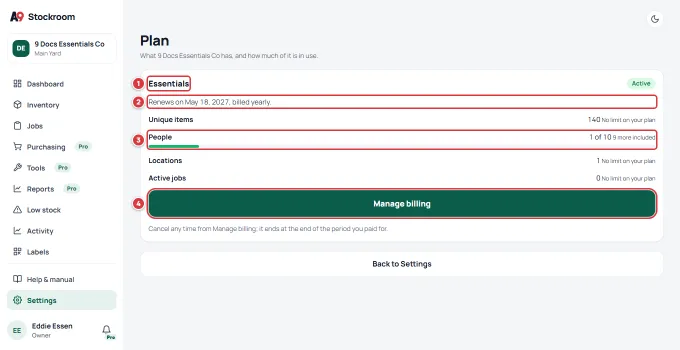
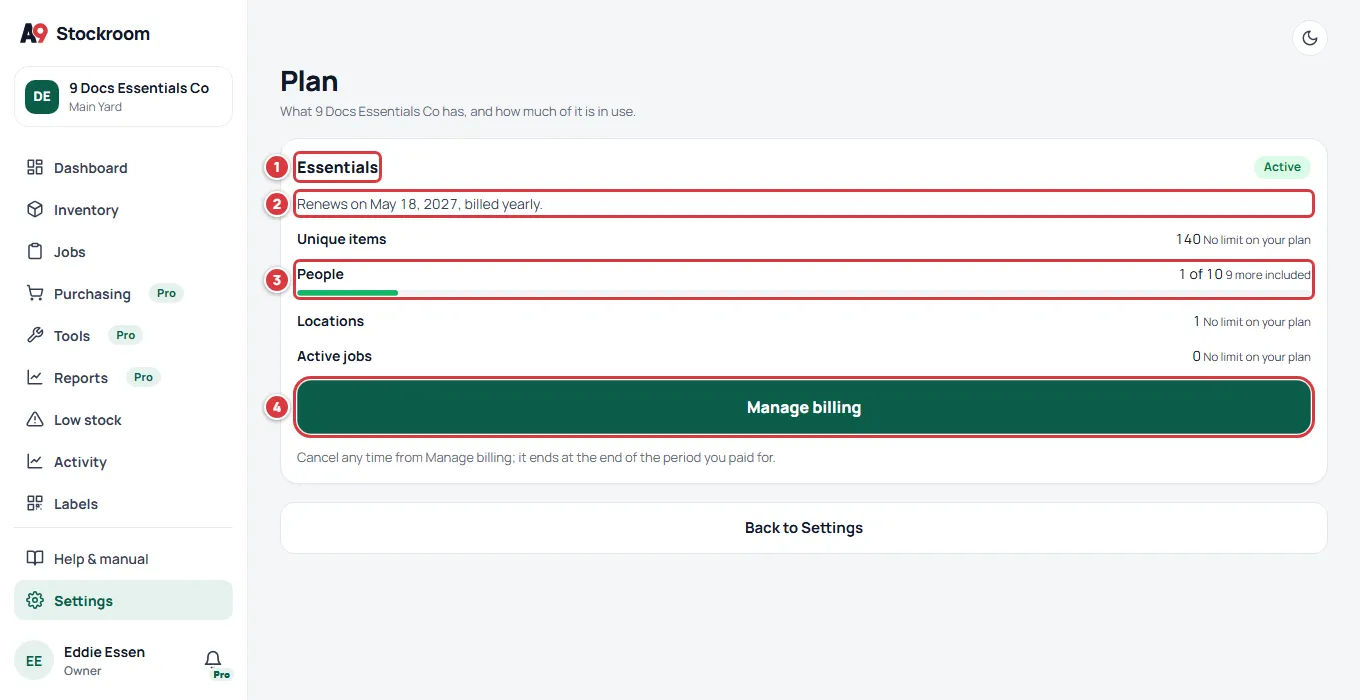
A paid plan: when it renews, what you use, and Manage billing.
Cancel your plan#
- Open Manage billing, as above, and choose to cancel.
- The plan does not stop at once. It stays until the end of the period you paid for. Plan shows "Ends on" and the date, with "You won't be charged again."
- On that date the company goes back to Free. Nothing is deleted. If you are within the Free limits it carries on as a Free company. If not, it can be viewed and exported only until you resubscribe or come back under the limits. See When a plan ends.
If you change your mind, upgrade again after the plan ends.
If a payment doesn't go through#
If a renewal fails, a yellow banner shows on every screen: "Payment didn't go through, update your card." You see Manage billing in it. Everyone else sees "Ask your owner to update the card."
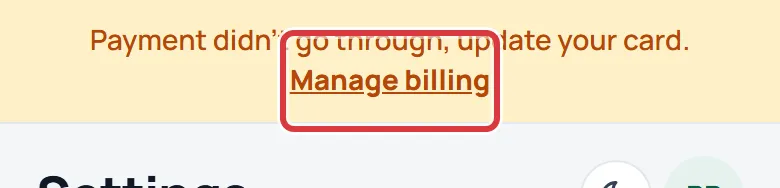
- Tap Manage billing in the banner, or open Settings, then Plan, and tap Manage billing.
- Update the card, or fix the one on file.
- Go back to A9 Stockroom. The banner goes when the payment goes through.
Everything keeps working while the payment is tried again. If it is still unpaid after 14 days, the company goes back to the Free plan. Nothing is deleted. See When a plan ends.
If Atlas9 set up your plan#
A company whose plan Atlas9 set up by hand has no card on file here. Plan says "Your plan is set up by Atlas9." and has a Contact support button. To change anything, write to support@a9stockroom.com.
What you'll see#
- Plan shows your plan and its status Active, "Renews on" a date and "billed yearly" or "billed monthly".
- The limits you had hit are gone: Plan says "No limit on your plan" beside them.
- The Pro badges are gone if you chose Pro.
- Your invoices, under Manage billing.
If it didn't work#
- Upgrade or Manage billing is missing. Only the owner sees them. A manager or tech sees Ask your owner to upgrade. A company whose plan Atlas9 set up has Contact support instead.
- "Billing needs a connection. Try again when you're back online." You are offline. Get a signal or Wi-Fi and tap the button again.
- "Billing could not be reached just now. Try again in a minute." Wait a minute and try again. If it keeps happening, write to support@a9stockroom.com.
- I closed the payment page. Nothing was charged. The app says "No problem. You weren't charged." Tap Upgrade to start again.
- I paid but the plan still says Free. The app says "Your payment is being confirmed. This page will show your plan in a minute; nothing more to do." Open Settings, then Plan again in a moment. If it still says Free after a few minutes, write to support@a9stockroom.com with the email address you paid with.
- The launch offer line is missing. The offer only shows when Yearly is on and the date has not passed. It is not offered on Monthly.
- My card was declined. Try another card on the payment page, or ask your bank why it was refused.