Inventory for maintenance teams

Every part. Every tool. Every dollar. Accounted for.

Most maintenance teams can't say where last month's parts went. Usually nobody is hiding anything; nothing wrote it down. Stockroom does, in two taps on the phone your techs already carry.

Try Pro free for 30 days, then Free for up to 50 items. No card needed, and nothing to download from an app store.

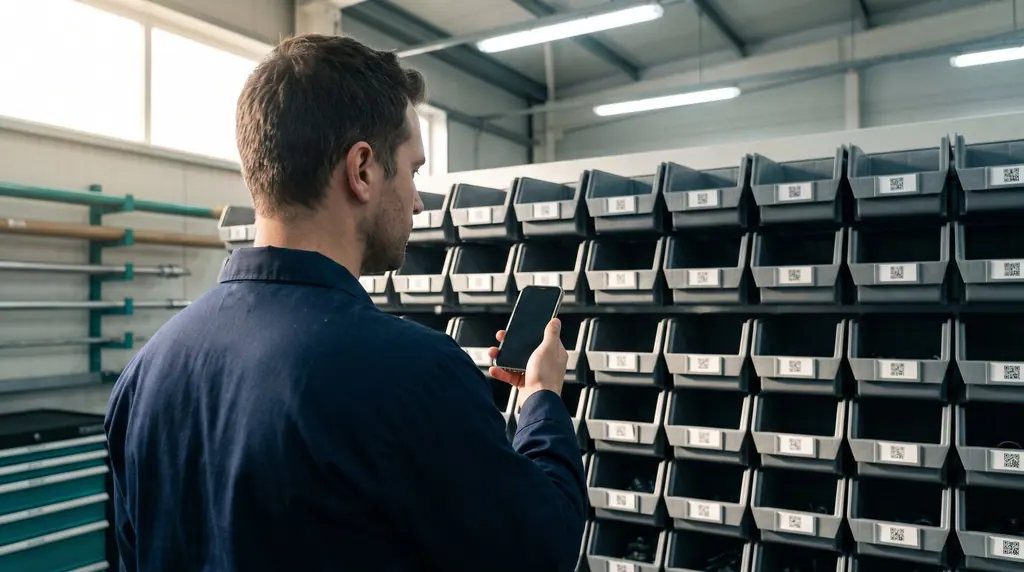
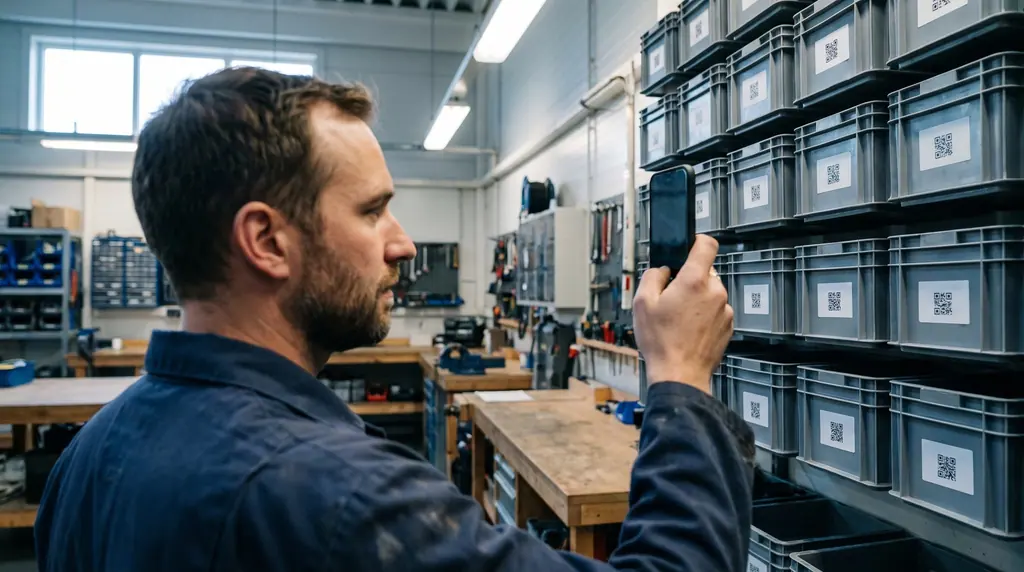
A maintenance technician scanning a labeled parts bin with his phone
Taken for WO-4471Kitchen faucet · Marco R.
Due back todayDrain auger · Jen T.
Scan with any phoneUPC barcodes and our shelf QR labels
Free to startNo card. 30 days of Pro, then Free for up to 50 items.
Jobs tied to work ordersKnow what every job and unit turn cost
Import from SortlyBring your export file, keep your folders
Where it goes when nobody's counting

You're already paying for inventory tracking. You're just paying in parts.

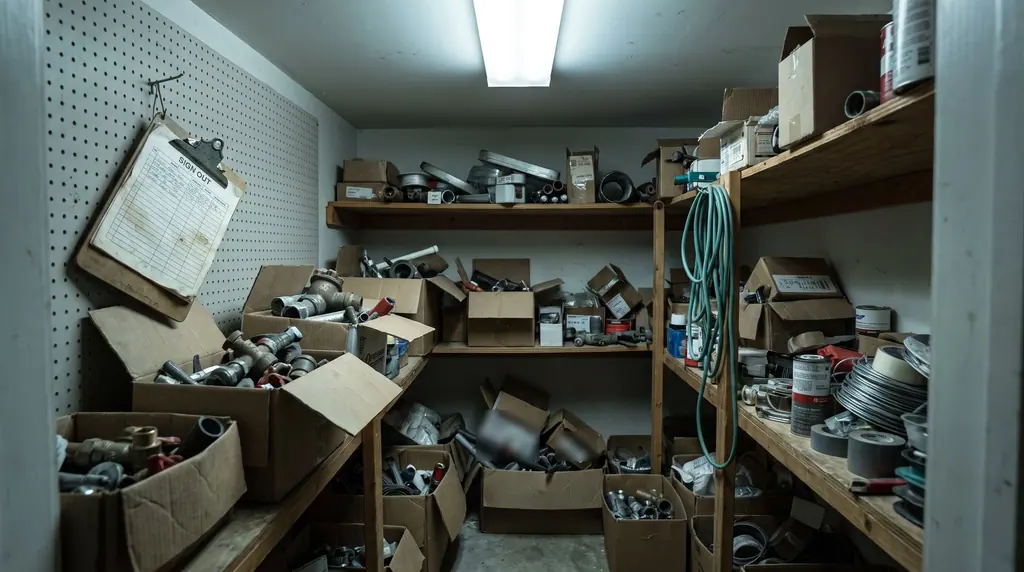
A cluttered maintenance supply closet with open boxes and a clipboard sign-out sheet

Parts that walk off

A faucet here, a fill valve there. With no record, nobody can tell a busy month from a leak.

Every take has a name

Tools that don't come backPro

The drain auger is "on a truck somewhere." So you buy another one.

Checked out, due back

Parts nobody billed

It went into Unit 214, but it never made the work order. That money's gone.

Lands on the work order

The emergency store run

An hour of a tech's day, at retail price, for a part you had on a shelf nobody could see.

Warned days ahead
Before and after

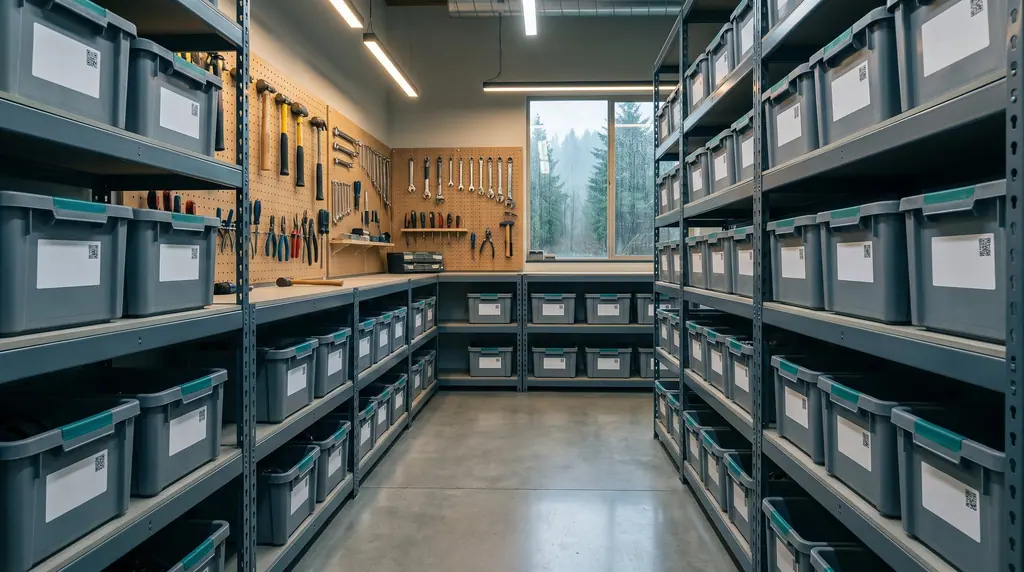
Same closet. One week of Stockroom.

Before: a disorganized supply closet After: an organized stockroom with labeled bins TodayWith Stockroom
Put a number on it

What untracked stock costs your shop

Move the sliders to match your operation. These are your numbers, not ours; we don't know your shop.

Leaving your shop each year$4,350
Stockroom Essentials$588 a year
Left over after paying for it$3,762

Stockroom pays for itself if it stops 0.8% of your parts spend from going missing.

Essentials billed yearly, for up to 10 people. Free for up to 50 items, with no card.

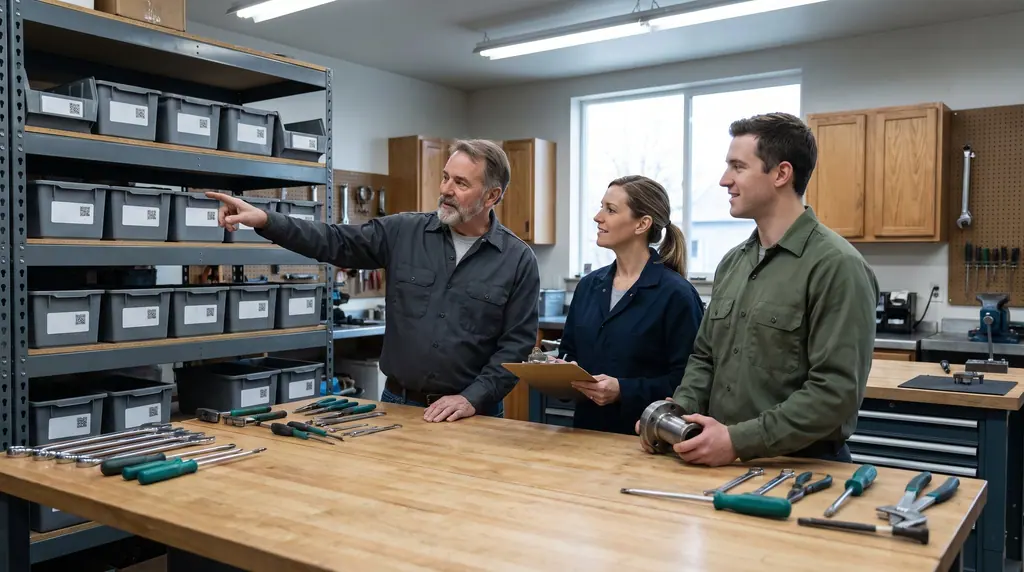
Three maintenance staff talking at a workbench in front of labeled bins
For your techs

A record protects the people doing honest work.

When every part is scanned to a job, a good tech never has to explain where something went. The record does it for them.

  • Two taps to take a part. Less paperwork than the clipboard.
  • They know which truck or shelf has it before they drive.
  • No more "who had the auger last?" in the group text.Pro
A Tuesday at Maple Court

Five moments where most shops lose track. And where you won't.

Marco · Technician

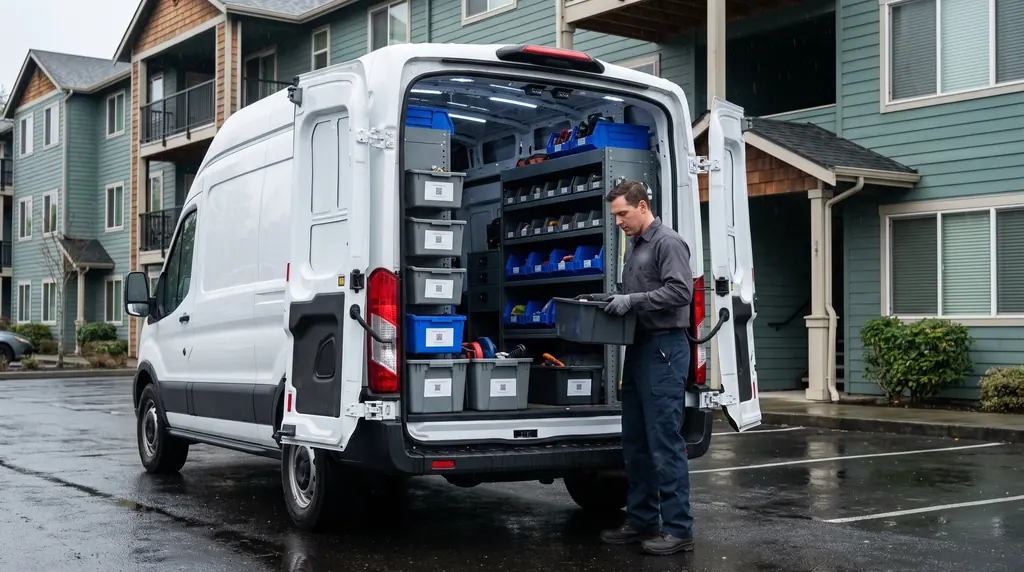
Load the truck

He scans what goes onto Truck 2. The office can see it's moved, and the truck is its own location with its own minimums.

A technician at the open rear doors of a service van stocked with labeled bins
Truck 212 items loaded
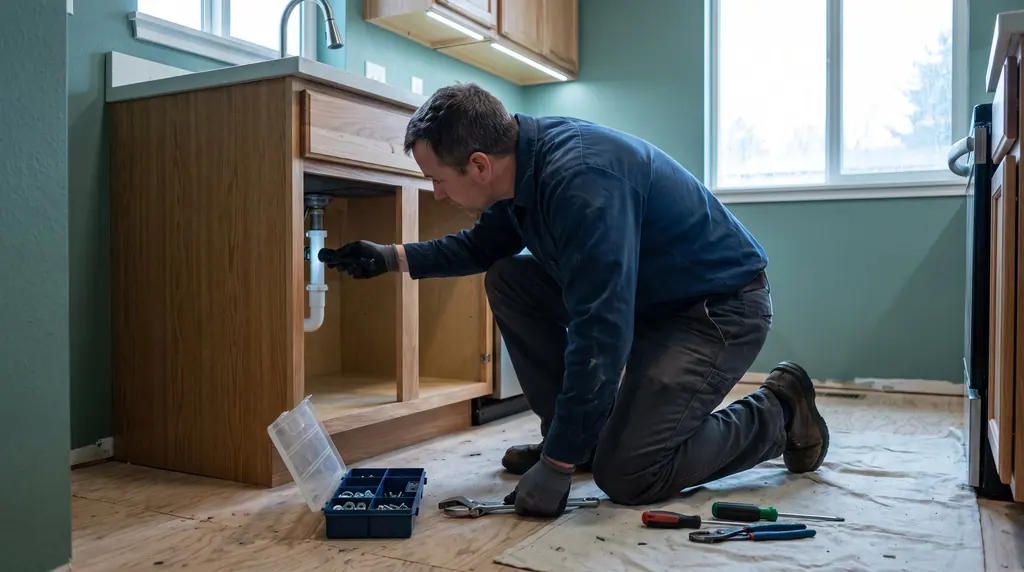
Marco · Unit 108 turn

Every part on the work order

The wax ring, the supply lines, the smoke detector. Each one he takes lands on WO-4468 at cost and at your bill-back price.Essentials+

A technician kneeling at a kitchen sink cabinet in an empty apartment
WO-4468$212.40 to bill back
Jen · Supervisor

Check out the auger

She signs it out to herself, due back Friday. Nobody has to text the group to find it.Pro

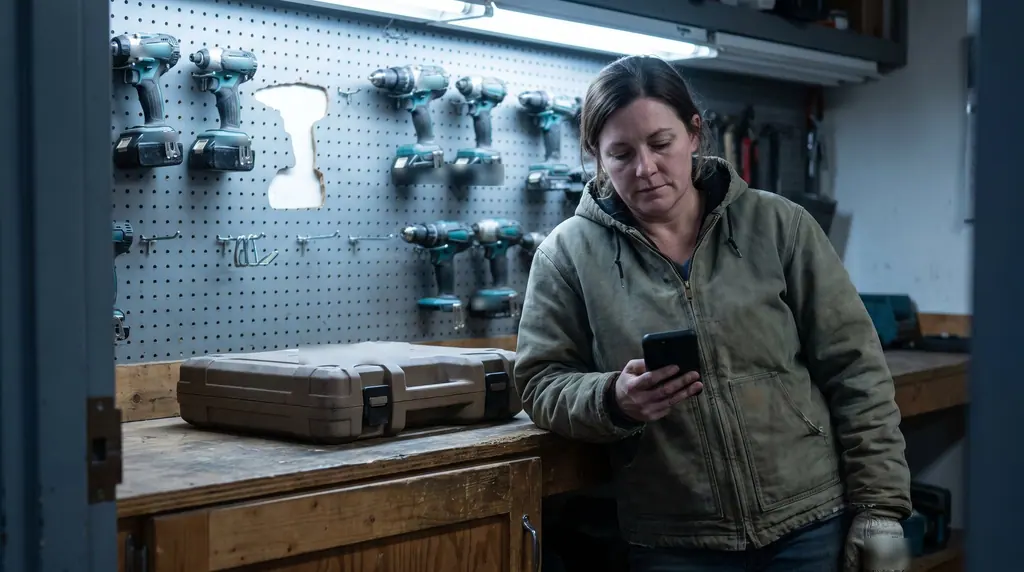
A supervisor at a tool room counter with a pegboard of tools behind her
Checked outDue back Friday
Luis · Technician

The delivery shows up

He receives the order against the purchase order, and the shelf counts update. Nothing sits in a box by the door for a week.Pro

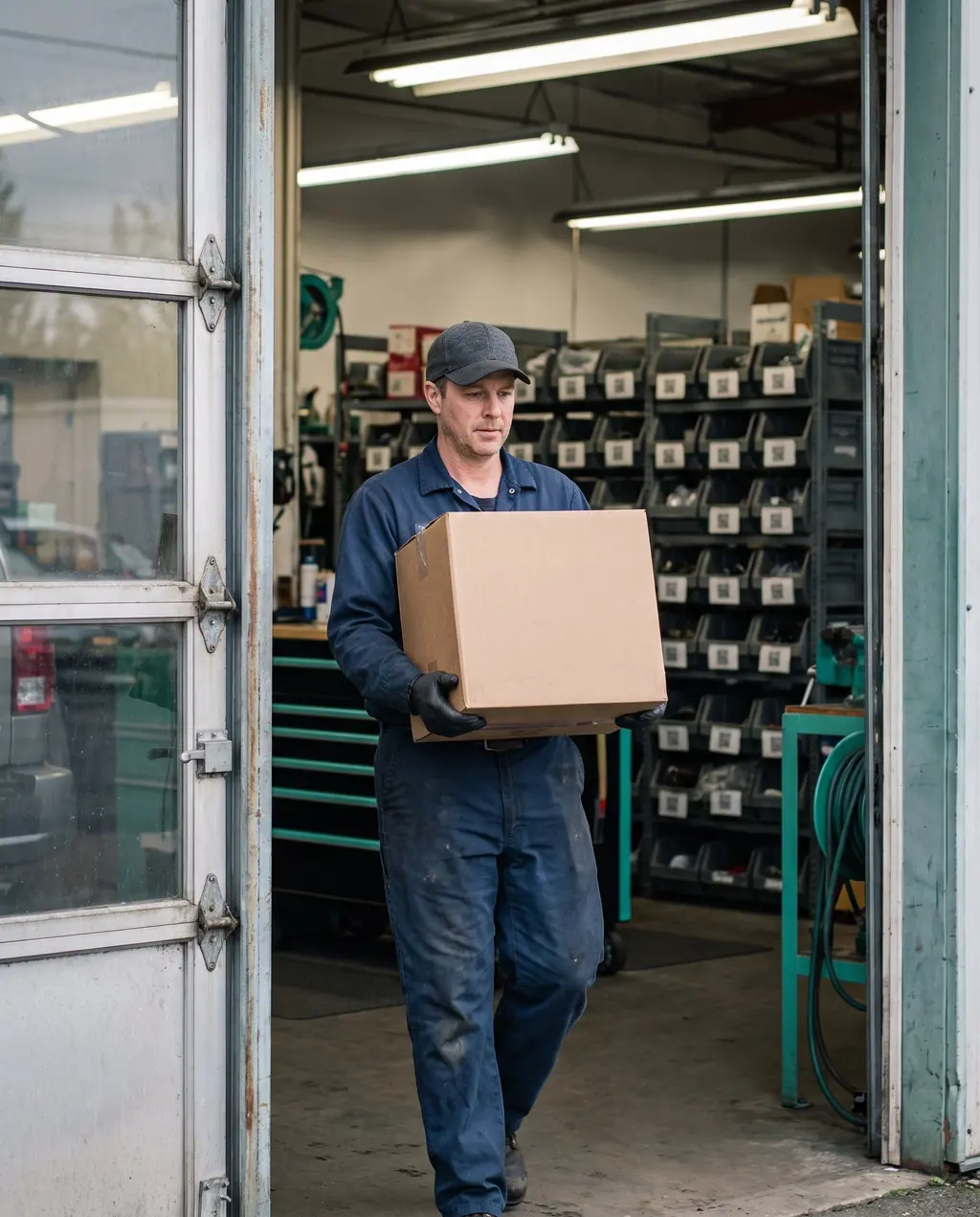
A technician carrying a shipping carton into the maintenance shop
PO-118224 supply lines received
Dana · Property manager

The office closes the day

Three jobs are ready to billEssentials+, wax rings are about six days from running out, and the order can be drafted from the low-stock list.Pro

A property manager reviewing a laptop at her desk
To bill3 jobs · $486.20

An example day: the names, times and figures are made up for illustration. Tool check-out is on Pro, purchase orders on Pro, and the To bill list on Essentials and Pro. A truck as its own location needs more than the 1 location Free includes.

How it works

Built for the maintenance shop, not the warehouse.

Your techs get a phone app that takes two taps. Your office gets the numbers it has been guessing at.

Label every shelf, bin and truck

Make your own QR labels for any bin, shelf, truck or item and print them on standard Avery sheets. The UPC barcodes already on your parts scan too.

Scan, take, done

Point the phone at a barcode or a bin label. Take, return, count or receive in a tap or two. It works without signal and syncs when you're back online.

Every part lands on the work order

Start a job with the work order number. Everything taken is charged to it, at cost and at your bill-back price, ready for billing.

Reorder before you run out

Stockroom watches how fast each part gets used and tells you how many days you have left, then builds the purchase order for you (purchase orders are on Pro).

Who it's for

Built for everyone in the shop.

A technician scanning a parts bin

Technicians

Find the part before you drive. Two taps to take it. No end-of-day paperwork.

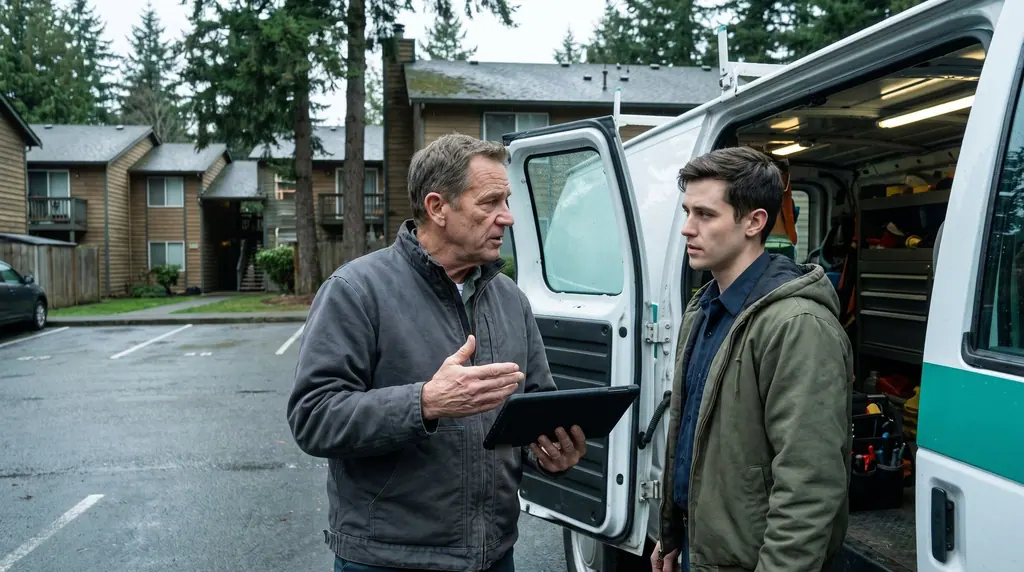
A maintenance lead and a technician talking beside a service van

Supervisors

Know who has every tool, what's on every truck, and what's about to run out.

A property manager at her desk

The office

Bill every part, see cost by property and unit turn, and stop paying twice for the same part.

Every part on the work order

Stop eating the cost of parts nobody wrote down.

Each job keeps its own ticket. Techs take parts against it on their phone, and the office gets a bill-back total it can trust.

  • Cost and bill-back price on every line, with your markup
  • A "To bill" list so no closed job slips through
  • Copy, CSV or PDF, ready for your billing system

Every plan has the job summary. Copy, CSV, PDF, the To bill list and the markup are on Essentials and Pro.

Everything in one place

All the tools a maintenance stockroom needs.

Labels, tools, alerts, job costs, purchase orders and your whole team, in one app that runs on the phones they already carry.

Every plan

Print your own barcodes and labels

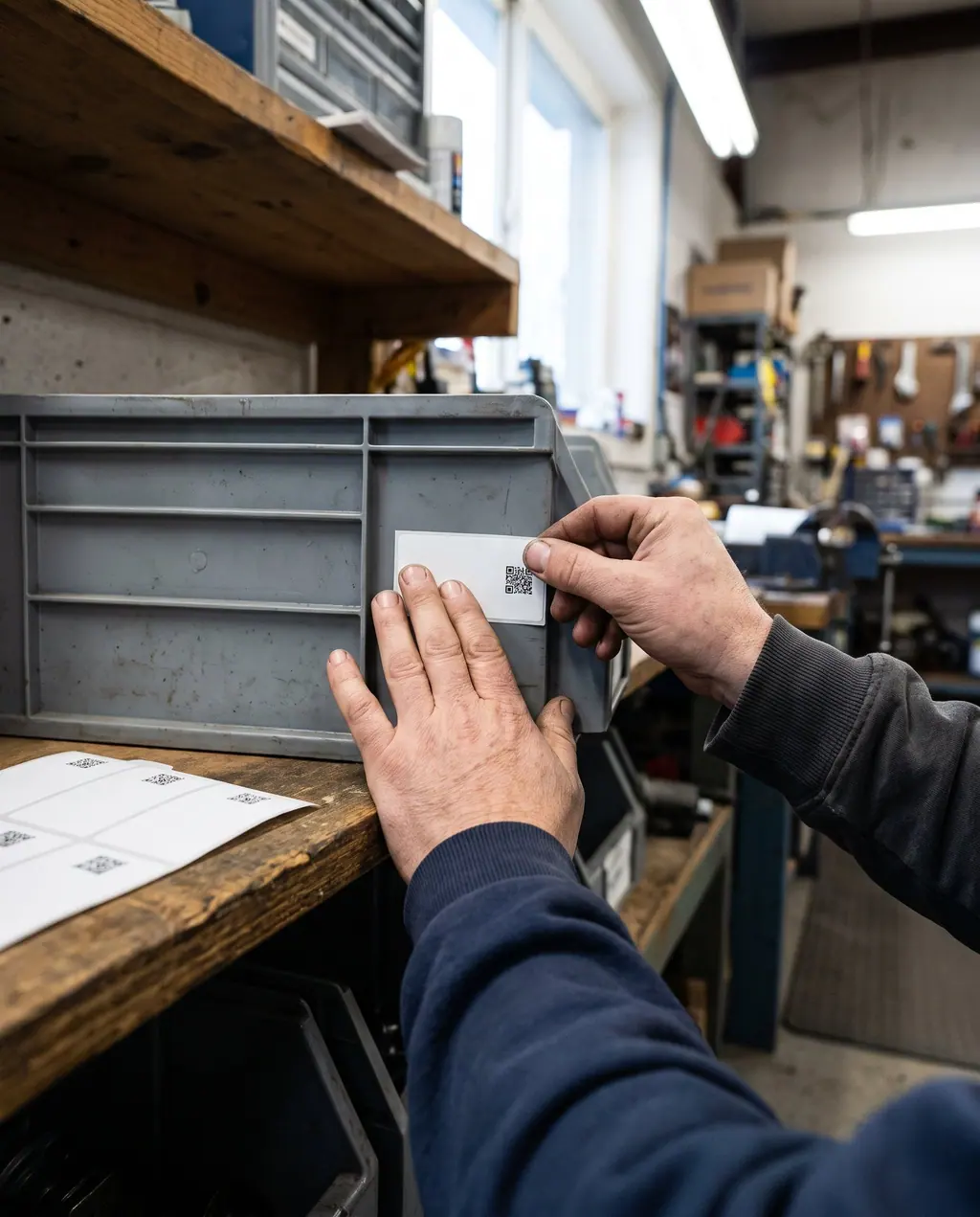
Make QR labels for bins, shelves, trucks, tools and items, then print them on standard Avery 5160 sheets. The UPC barcodes already on your parts scan too.

Hands pressing a white label onto a parts bin
QR bin and shelf labelsUPC scans as-is30 labels per sheet
Pro

Know who has every tool

Check tools out to people with a due date. See what's out, who has it, and what's overdue.

Pro

Warned before you run out

Days-left forecasts show on every item, on every plan. On Pro the bell adds alerts for low stock, overdue tools and received orders.

Pro

Cost by property, unit or job

Every part taken lands on a job, so each work order has a materials total. Reports add spend by property, category, tag and unit turn.

Pro

Purchase orders from your low-stock list

Turn everything running low into an order for your supplier, send it, then receive it against the order when it arrives.

Every plan

Works without signal

Basements, boiler rooms, parking garages. Changes sync when you're back online.

Essentials+

Your whole team

Up to 10 people on Essentials, unlimited on Pro. See who took what, when, and for which job.

Every plan

Bring it in, take it out

Import a Sortly export or any CSV. Export your items, or everything, whenever you like.

Every plan

Find parts by sight

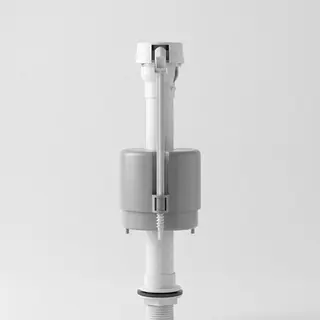
Add a photo to any item, so nobody grabs the wrong filter or cartridge.

  • A toilet fill valve on a grey backgroundFill valve · B2-02
  • A wax ring in its plastic tray on a grey background
  • A pleated 16x25x1 air filter on a grey background
  • Add photo
Dashboards and accounting

See where the maintenance budget actually goes.

Spend by property, category or unit turn. What you paid at cost against what you billed back. The value of what's on your shelves, with exports your accountant can open.

  • Cost by property, unit turn or work order
  • Cost against billed back, so you see your margin on parts
  • Inventory value and CSV exports for month-end
  • Who took what, when, and for which job

Reports, the all-locations dashboard and purchase orders are on Pro.

Where materials went
Spent at cost$5,780
Billed back$6,640 +$860
On the shelves$21,384
Maple Court$2,310
Oak Ridge$1,840
Pine Villas$1,050
Shop & trucks$580
October · 3 properties · sample dataExport CSV
Where you're starting

Whatever you use today, there's a better way.

Using nothing?

You're already paying for it, in parts nobody can account for.

Start free in five minutes. No card, no install, works on the phones your team carries.

Start free →
Using a spreadsheet?

It's only right on the day someone updates it.

Import it as is. We match your columns and show a preview before anything is saved.

Import your sheet →
Using Sortly?

The everyday work you know, with work-order billing and tool check-out built in.

Essentials is $1,080 a year less than Sortly Ultra, month to month. Bring your export file.

Switch from Sortly →
Switch from Sortly

Everything you do in Sortly, and more, for a lot less.

The everyday inventory work you already know is here: scanning, locations, labels, low-stock alerts, photos, import and export. Then Stockroom adds what a maintenance team needs, like parts on work orders and knowing who has the drill.

  1. Export from SortlyOne CSV file with your items, folders and quantities.
  2. Import into StockroomWe match the columns for you and show a preview before anything is saved.
  3. Print labels and scanNew bin labels on standard sheets, and your team is live the same afternoon.
Coming from somewhere else?
Sortly exportExcelGoogle SheetsAny CSV file

Want a hand? We'll help you move your data, plan your locations and print your first labels.

A 5-person shop with 2,000 items
Sortly Ultra
Stockroom Essentials
Price
$149 a month
$59 a month
People
5
Up to 10
Unique items
2,000
Unlimited
Active jobs
10
Unlimited
$1,080 lessevery year, paying month to month ($1,788 vs $708)

Built in for maintenance: work-order billing with a To bill list (Essentials and Pro), days-left forecasts (every plan), and spend by property and unit turn in reports (Pro). Tool check-out and purchase orders are Pro too.

Sortly figures are its Ultra plan's list price and limits from sortly.com/pricing, checked October 18, 2026. Its yearly price is its first-year offer for new customers (50% off); sortly.com says a 20% discount applies to yearly plans after the first year. Launch offer: 25% off the first year of a yearly plan through December 31, 2026.

A couple labeling moving boxes in their living room
Moving house?

Know what's in every box before the truck shows up.

Label the boxes, scan what goes in, and find the coffee maker on day one. Free for your first 50 items.

Need more? One +50-item pack for $10, once. Beyond 100, Essentials has no limit.
Pricing

Free to start. Grows with you.

Every new account gets 30 days of Pro with no card. After that it's Free, or you choose a plan when you need more people, more locations or the Pro tools.

Launch offer: 25% off your first year, through December 31.

Free

For one person getting started

$0per month

No card needed

$0per month

No card needed

Start free

Limits

  • Up to 50 unique itemsEach different thing you track. Quantities don't count: 400 air filters of one size is 1 item. Need a few more? Add one 50-item pack for $10, once. Beyond 100 items, Essentials has no limit.
  • 1 personEveryone who signs in. An invite you haven't used yet holds a seat.
  • 1 locationA shop, truck, site or property with its own stock, and its own minimums.
  • Up to 2 active jobsA job counts until you close it.

Up to 50 unique items (quantities don't count). Need a few more? Add one 50-item pack for $10, once. Beyond 100 items, Essentials has no limit.

On every plan

  • Barcode and QR scanningScan UPC barcodes and shelf QR labels with the phone camera.
  • Printable bin and shelf labelsPrint your own bin and shelf labels on standard Avery 5160 sheets.
  • Import and exportBring in a Sortly export or a CSV file, and export your items, or everything, whenever you like.
  • Item photosAdd a photo to any item so the right part is easy to spot.

Pro tools

  • Not included: Purchase orders and suppliersDraft, send and receive orders to suppliers. Made from your low-stock list.
  • Not included: Tool check-outCheck tools out to people with due dates, and see what's overdue.
  • Not included: All-locations dashboardThe All-locations dashboard puts every location side by side.
  • Not included: ReportsSpend by location, category and tag, with CSV export.
  • Not included: In-app alertsThe bell: low stock, overdue tools, received orders.

Pro

Everything unlimited, plus the Pro tools

$79per month

Billed $948/yr

Save $240

$99per month

Billed monthly

Try Pro free for 30 days

Limits

  • Unlimited unique itemsEach different thing you track. Quantities don't count: 400 air filters of one size is 1 item.
  • Unlimited peopleEveryone who signs in. An invite you haven't used yet holds a seat.
  • Unlimited locationsA shop, truck, site or property with its own stock, and its own minimums.
  • Unlimited active jobsA job counts until you close it.

On every plan

  • Barcode and QR scanningScan UPC barcodes and shelf QR labels with the phone camera.
  • Printable bin and shelf labelsPrint your own bin and shelf labels on standard Avery 5160 sheets.
  • Import and exportBring in a Sortly export or a CSV file, and export your items, or everything, whenever you like.
  • Item photosAdd a photo to any item so the right part is easy to spot.

Pro tools

  • Purchase orders and suppliersDraft, send and receive orders to suppliers. Made from your low-stock list.
  • Tool check-outCheck tools out to people with due dates, and see what's overdue.
  • All-locations dashboardThe All-locations dashboard puts every location side by side.
  • ReportsSpend by location, category and tag, with CSV export.
  • In-app alertsThe bell: low stock, overdue tools, received orders.

Launch offer: 25% off the first year of a yearly plan, for new subscriptions started by December 31, 2026, 11:59 PM Pacific. It's applied automatically at checkout.

Paid plans renew automatically each year or month until you cancel. Cancel any time from Settings → Plan → Manage billing; it ends at the end of the period you paid for. Prices are in US dollars and exclude any taxes. See our terms.

Questions

Straight answers.

Still wondering about something? Email support@a9stockroom.com and a person writes back within one business day.

How is this different from Sortly?

Sortly is made for inventory in many kinds of business. Stockroom is built for one: maintenance teams. Parts go on work orders at your bill-back price, tools get checked out to people (Pro), and it tells you how many days of stock you have left. Essentials is $59 a month, or $49 a month billed yearly, for up to 10 people and unlimited items.

Do my techs need to download an app?

No. Stockroom runs in the phone’s browser and can be added to the home screen like an app, on iPhone and Android. It scans with the phone camera.

Is there a free trial?

Yes. Every new account starts with 30 days of Pro, with no card. You can choose a plan at any time during the trial, and it ends the moment you do. If you don't, the company moves to the Free plan when the 30 days are up. Nothing is deleted. If it holds more than Free allows, it is view and export only until you choose a plan or reduce to the Free limits.

Is it really free?

Yes. The Free plan needs no card and has no time limit: up to 50 unique items, 1 person, 1 location and 2 active jobs at a time. Scanning, labels, photos, and import and export are all included. Need a few more? Add one 50-item pack for $10, once. Beyond 100 items, Essentials has no limit. Item packs are one-time purchases that stay with your company; they aren't refunded, except where the law requires it or where we charged you in error. Upgrade when you need more.

What happens if I go over a limit?

Stockroom tells you which limit you reached and offers an upgrade (and on Free, for items, one one-time pack of 50 more; beyond 100 items, Essentials has no limit). Nothing you already have is removed. To add more, upgrade, or make room.

What happens if I stop paying?

If a payment fails you have 14 days to fix it. After that, or if you cancel, your company goes back to Free and nothing is deleted. If you are within the Free limits it simply works as Free. If you are over them, your data is view and export only until you resubscribe or reduce to the Free limits.

Can I get a refund?

A new yearly plan can be refunded in full within 14 days of its first payment. To ask, write to support@a9stockroom.com. Monthly plans aren't refunded; cancelling stops the next renewal. Extra item packs on the Free plan are one-time purchases. They stay with your company for as long as it exists. They aren't refunded, except where the law requires it or where we charged you in error.

Can I cancel?

Yes, any time, from Settings → Plan → Manage billing. It ends at the end of the period you paid for, and then you are on Free. Your data stays, and you can always view and export it. A new yearly plan can be refunded in full within 14 days of its first payment; monthly plans aren't refunded, and cancelling stops the next renewal.

Can we bring our Sortly data?

Yes. Export a CSV from Sortly and import it here. Folders, quantities, minimums, prices and notes come across, and you see a preview before anything is saved.

What happens when there’s no signal?

Works without signal — changes sync when you're back online.

Who can see our inventory?

Only the people you invite. Each company’s data is kept separate and backed up nightly, and you can ask us to export or delete all of it at any time: email support@a9stockroom.com. Reports are for owners and managers.
Your stockroom, finally counted.

Set up in an afternoon. Your techs scan from day one, and there's nothing to install from an app store. Already on Sortly? Bring your export and try it free.

Talk to us

Want a hand getting set up? We can help you move over from Sortly, plan your locations and print your first labels. Tell us where to reach you and we'll write back within one business day.